Following the general availability in February 2026, many of the most anticipated features in Dynamics 365 Finance version 10.0.46 are now live for users. This version represents a key milestone within Microsoft’s 2025 Release Wave 2, focusing on making your daily financial operations more secure and efficient.
Our Dynamics 365 Finance functional experts, Anchal Chaudhary and Matt Leyenaar, help us explore how these updates offer smarter ways to handle everything from bank security to asset management. Here are the key highlights from the latest release of Dynamics 365 Finance version 10.0.46 that you should know about. You can watch the video or read the updates below.
Securing Your Data with Bank Account Lifecycle Management
Dynamics 365 Finance version 10.0.46 now includes audit trail workflow and “change state” column in bank accounts list
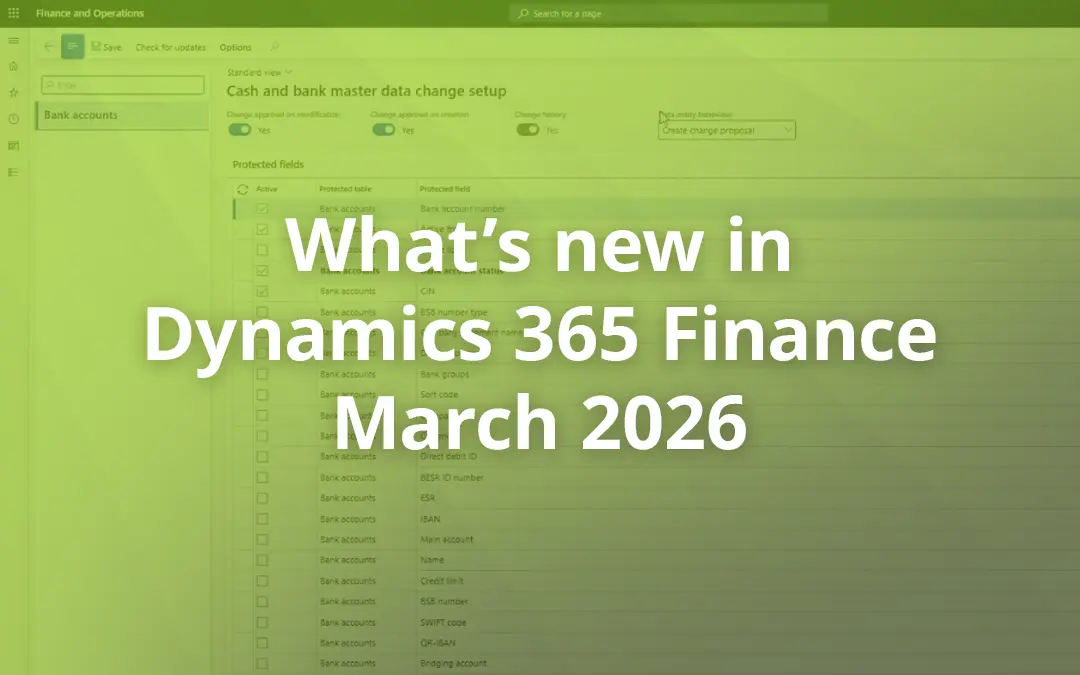
A more robust way to manage your legal entity’s own bank accounts has arrived. This feature introduces a formal workflow approach, moving away from a system where sensitive bank details could be changed without oversight. By enabling this feature, you can protect specific fields, such as your bank account number, so that any modification triggers a formal request for approval. The Dynamics 365 Finance now includes a “change state” column in your bank account list, providing a clear history of what the data looked like before and after an update. It is a reliable way to ensure your legal entity’s financial data stays safe and sound.
Solving Failed Payments with Payee Name Display
No more “payment failed” because vendor’s name doesn’t match their bank’s records in Dynamics 365 Finance
To help Accounts Payable teams avoid frustrating bank rejections, a dedicated “Payee Name” field is now available for vendors and customers. Often, payments fail because a vendor’s name in the system doesn’t perfectly match their bank’s records. To fix this, you can now define the exact payee name required by the bank within the bank account setup. This name flows directly into your payment journals, proposals, and outbound files. This simple change goes a long way in improving real time data accuracy and stopping failed transactions before they happen.
Streamlining Assets with Intercompany Transfers
You can now transfer or split fixed assets across legal entities automatically in Dynamics 365 Finance, eliminating the need for manual intercompany transfers
Managing fixed assets has become significantly more streamlined with the introduction of automatic intercompany transfers. In the past, moving an asset to a different legal entity was a manual chore that required disposing of it in one company and reacquiring it in another. Now, Dynamics 365 Finance & Operations handles the transfer or split across legal entities automatically, eliminating those manual steps. Additionally, a new data migration entity allows for mass intercompany transfers, which is a massive time saver for any organisation undergoing a major restructure or reorganisation.
Optimising Performance with Delayed Invoice Settlement
System slowness due to Invoice Settlement, a thing of the past in Dynamics 365 Finance version 10.0.46
A new feature designed to boost system stability and performance is Delayed Invoice Settlement. Traditionally, when a payment journal is posted, the system settles it against the transaction immediately. This update allows you to post the payment right away and push the actual settlement process to a later stage. Because the settlement can be run as an overnight batch job, it helps keep the system fast and responsive during the workday while ensuring money is recorded against accounts as quickly as possible.
Enhancing Accuracy in Bank Reconciliation
Human checkpoint now added to process when importing an electronic statement and running matching rules in Dynamics 365 Finance
To wrap up these financial highlights, an intermediary step has been added to the bank reconciliation process. Currently, after importing an electronic statement and running matching rules, the system primarily shows what failed to match. This update introduces a “Pending Review” screen that lets you validate all matches, even the automatic ones, before anything is finalised. This human checkpoint is a great addition for reducing errors and ensuring a clear audit trail exists for every matched transaction.
Dynamics 365 Finance version 10.0.46 Wave 2 FAQs
We’ve had issues with Dynamics 365 Finance slowing down when we run large payment settlements. Does the latest update help with that?
Yes. Version 10.0.46 introduces Delayed Invoice Settlement. Instead of the system trying to settle transactions the second you post a payment, you can now post immediately and let a batch job handle the heavy lifting overnight. This keeps the system stable during your team’s busiest hours.
If I turn on the new bank account workflows in Dynamics 365 Finance, am I going to get stuck unable to make quick changes?
Not necessarily. You have three levels of control: you can allow changes without approval, create a “change proposal” that requires a second set of eyes, or lock the fields entirely. You can even pick specific “protected” fields, like the Bank Account Number, that require approval while leaving less sensitive fields open.
Does the bank reconciliation tool in Dynamics 365 Finance show me what happened after the matching rules ran?
This was a major gap previously. Now in version 10.0.46, there is a Pending Review screen. Instead of just seeing what didn’t match, you can now see the matched results first. It acts as a final checkpoint so a human can verify the data before anything is posted to the ledger.
How hard is it to move 50+ assets at once between entities in Dynamics 365 Finance and Operations?
The version 10.0.46 update includes a new data migration entity specifically for mass intercompany transfers. You don’t have to do them one by one anymore; you can handle bulk reorganisations through a single import.